Map Search
Map Search plots open roles on an interactive map so you can explore opportunities by location. Open it from Map in the top nav.
Find roles near a city
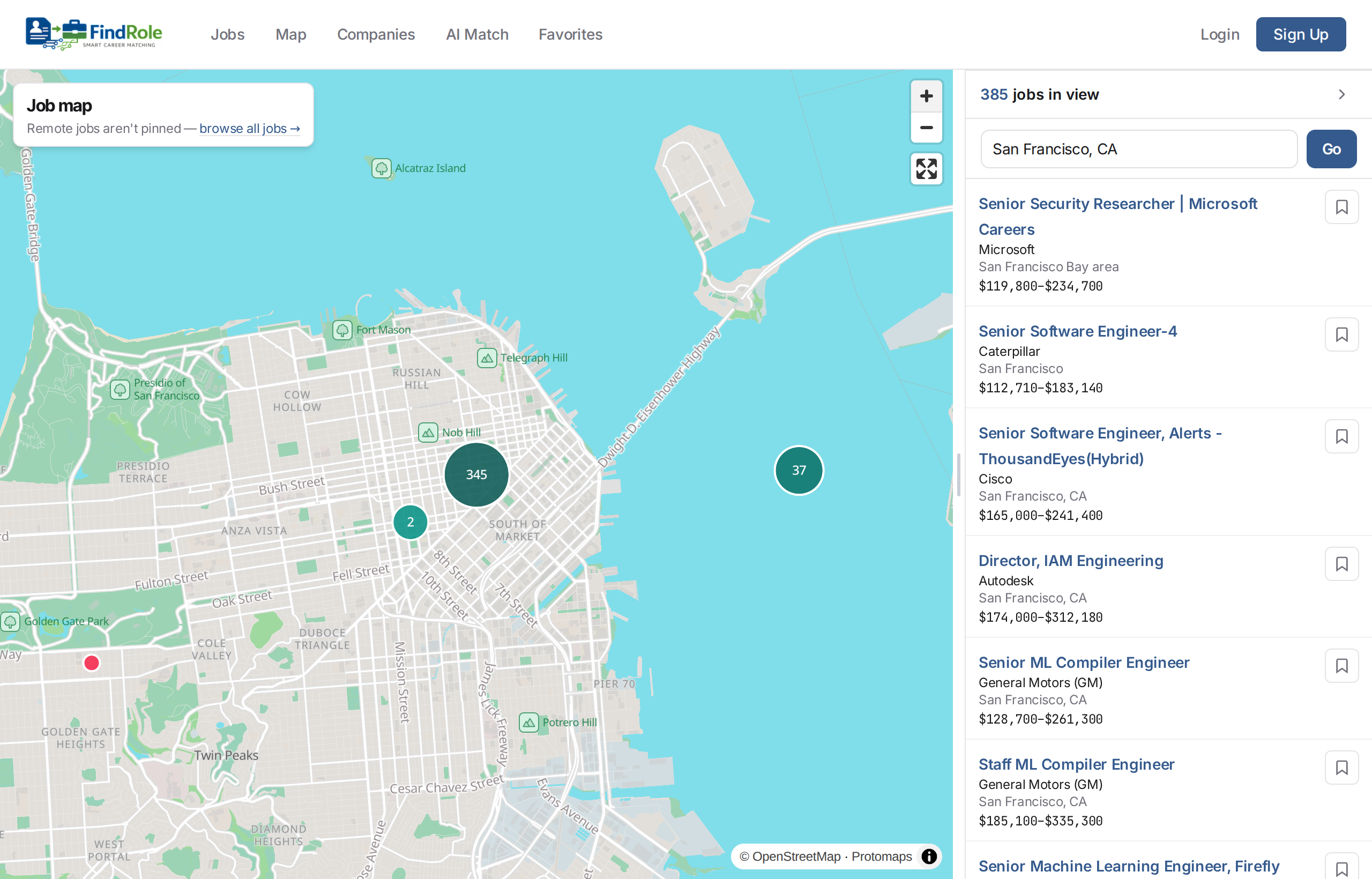
Type a city into the search box (top right) and hit Go — the map flies there and lists the roles in view. The example above is zoomed into the San Francisco Bay Area, with 385 roles on the map.
Pan, zoom, and cluster
- Pan and zoom to change the area; the map reloads pins for whatever is in view. Nearby roles group into clusters — the numbered circles — so dense areas stay readable. Zoom in to break a cluster into individual pins.
- The panel on the right lists every role currently in view and updates as you move. Click a pin or a listing to open the role.
On your phone
On a small screen the roles list becomes a bottom sheet that slides up over the map. Drag the handle (or tap it) to grow the sheet from a peek to half-screen to most of the screen, so you can browse the in-view roles without losing the map. Pinch to zoom and drag to pan; tap a cluster to split it or a pin to open the role.

What's on the map
Only roles with a known location are pinned. Remote and ungeocoded roles aren't on the map — browse those from Browse Jobs or rank them with AI Match.
Next steps
- Simple Search — search and browse roles
- AI Match — rank roles against your resume