Company Search
Company Search lets you find a specific employer and see every open role they have. Open it from Companies in the top nav.
Search by company name
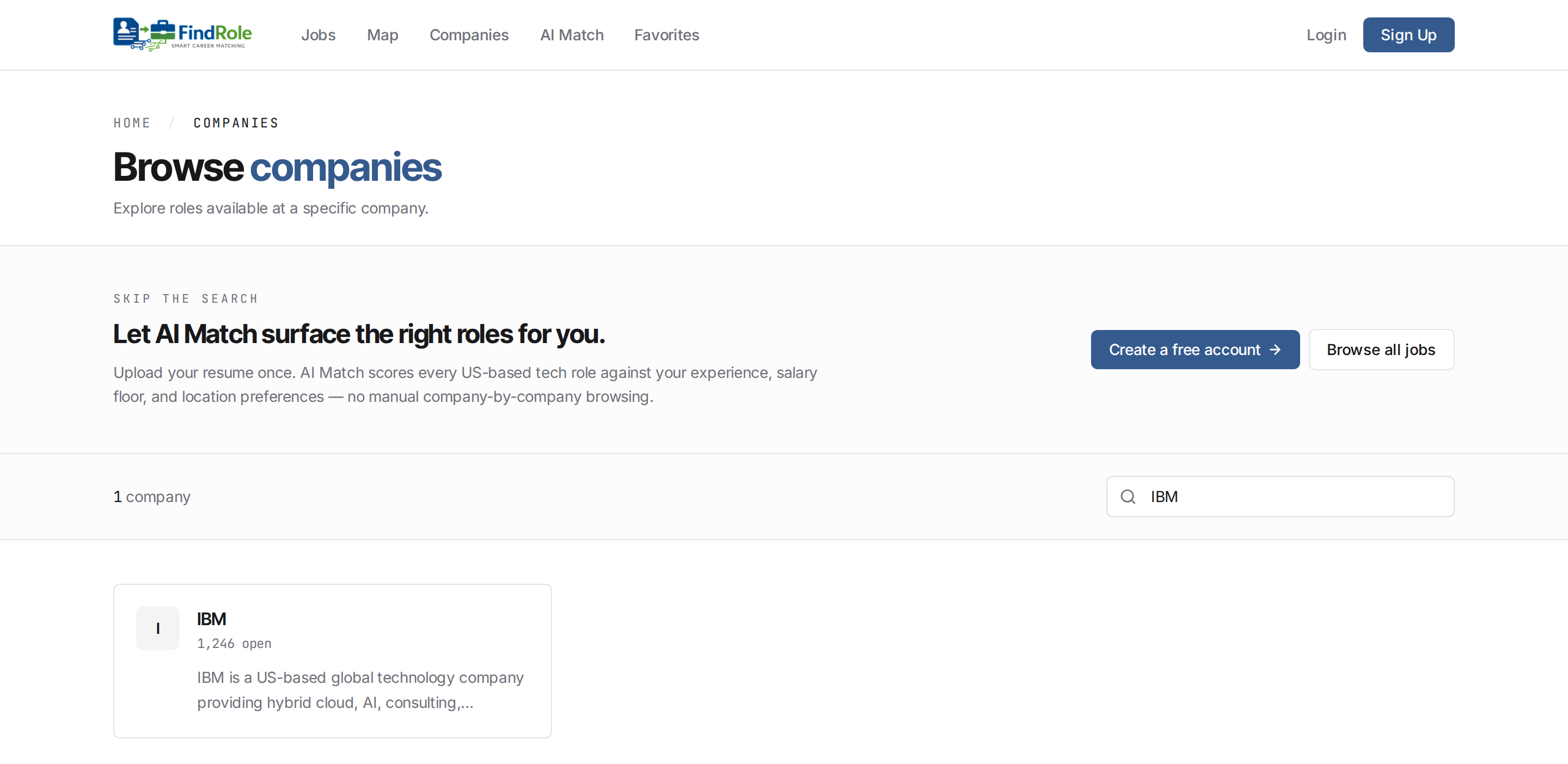
Type a company name into the Search companies box and the list filters as you type. Each result shows the employer, how many roles are currently open, and a short description — click a company to browse all of its openings.
Browse a company's open roles
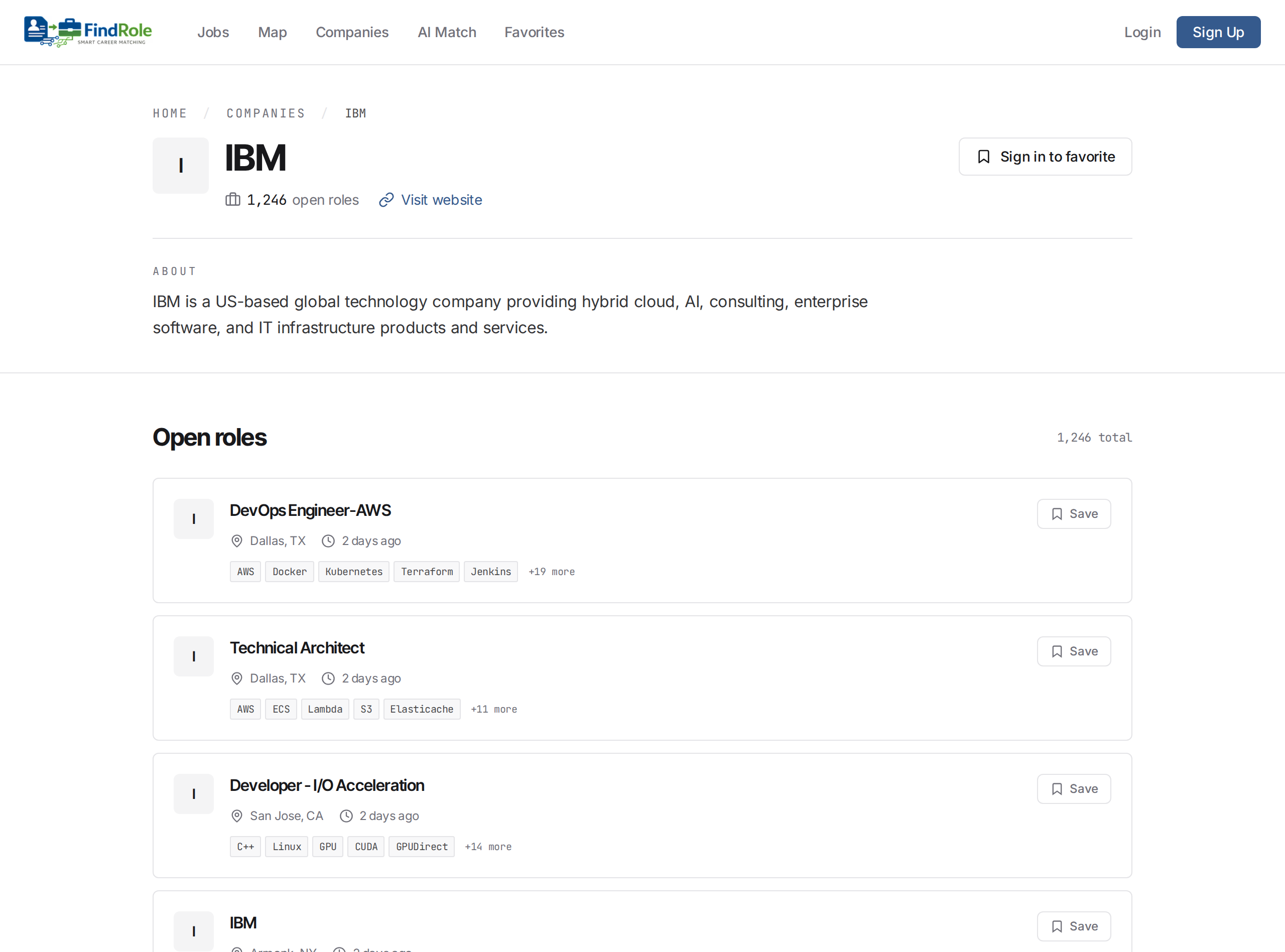
Click a company to open its page — a short profile plus every open role, each with its location, posting age, and key skills. Save a role to revisit it later, or open it to apply.
Next steps
- Simple Search — search and browse roles
- Map Search — explore roles geographically
- AI Match — rank roles against your resume